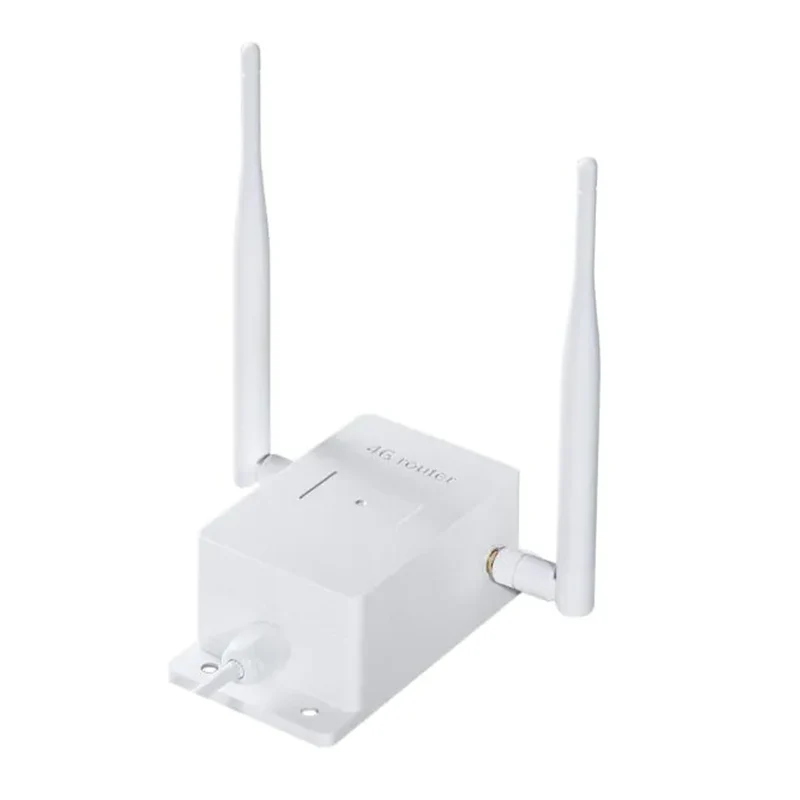
RF-PRO 3G/4G Industrial Outdoor WiFi Router + 1 Amp PSU
Our 4G routers make the perfect solution for installing CCTV in an area with no broadband connection, making these ideal for monitoring sheds, building sites and farms. These 4G routers are an ideal solution for foaling and calving cameras!
If you are looking to install CCTV in an area with no broadband connection, follow these simple steps to get online in seconds:
- Insert a micro 4G simcard into the router and connect to your camera / DVR via WiFi or using a single ethernet cable
- Now you can connect your camera devices on the LAN
- Check that the LAN settings for your cameras and DVR are all correctly configured
- You will need to configure each device with an IP address in the same range as the router LAN IP range, the subnet and the default gateway (default gateway is the LAN IP address of the router)
- Add any IP camera, or a DVR or NVR [with ethernet connection]
Our 4G routers make the perfect solution for installing CCTV in an area with no broadband connection, making these ideal for monitoring sheds, building sites and farms. These 4G routers are an ideal solution for foaling and calving cameras!
If you are looking to install CCTV in an area with no broadband connection, follow these simple steps to get online in seconds:
- Insert a micro 4G simcard into the router and connect to your camera / DVR via WiFi or using a single ethernet cable
- Now you can connect your camera devices on the LAN
- Check that the LAN settings for your cameras and DVR are all correctly configured
- You will need to configure each device with an IP address in the same range as the router LAN IP range, the subnet and the default gateway (default gateway is the LAN IP address of the router)
- Add any IP camera, or a DVR or NVR [with ethernet connection]
Description
Our 4G routers make the perfect solution for installing CCTV in an area with no broadband connection, making these ideal for monitoring sheds, building sites and farms. These 4G routers are an ideal solution for foaling and calving cameras!
If you are looking to install CCTV in an area with no broadband connection, follow these simple steps to get online in seconds:
- Insert a micro 4G simcard into the router and connect to your camera / DVR via WiFi or using a single ethernet cable
- Now you can connect your camera devices on the LAN
- Check that the LAN settings for your cameras and DVR are all correctly configured
- You will need to configure each device with an IP address in the same range as the router LAN IP range, the subnet and the default gateway (default gateway is the LAN IP address of the router)
- Add any IP camera, or a DVR or NVR [with ethernet connection]